Microsoft Publisher Retirement

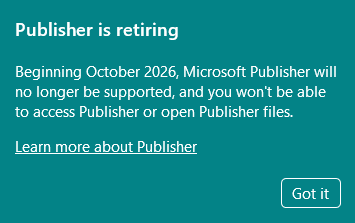
By now, everyone has heard that Microsoft Publisher Online will be retiring on October 1st.
First, do not uninstall the Desktop Publisher App if it is currently installed on your computer. Even if it is an older version than Office 365.
If your organization has a large number of files to archive, begin by downloading these to your computer.
Microsoft has provided a batch example script at the Link above to convert .pub files to .pdf format on a local computer where the Publisher Desktop App is installed.
What isn’t mentioned in the requirements is that the script assumes that not only is Publisher installed, but also Visual Studio or Visual Studio Tools for Office. I did not have those available on that particular machine, so CoPilot kindly created this alternative version for me that has been tested with Publisher 365 and Publisher 2010:
The following will create subfolders for each .pub file found and extract HTML and individual image files (updated 09/02 to include scratch images):
These are also available at GitHub: Dave3Young/Publisher-Exports
These scripts are provided “as is” with no warranty or guarantee of any kind.
By using these scripts, you accept full responsibility for any consequences, including but not limited to data loss, system instability, or unintended results. Use at your own risk.
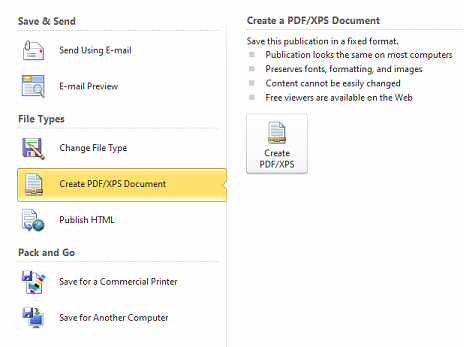
If you only have a small number of files to convert, you may want to use the manual method of exporting them to PDF format:
It is likely that the Publisher 365 Desktop App will uninstall itself sometime in October, so it is important to perform backups and conversion processing prior to then.